Toni McQueen
Project

Run USB Drive On QEMU GUI

A Bash and Zenity launcher that reduces a messy QEMU boot workflow into a guided desktop tool for physical USB drives, raw disk images, and split boot/root image pairs.

This repo is now scoped to the actual launcher. Sidecar rescue tooling was removed so the project reads clearly: choose source, choose interface, confirm paths, launch QEMU.
Workflow

How The Launcher Works

Step 1
Validate the local environment: Zenity, QEMU, helper paths, shared folder, and saved config.
Step 2
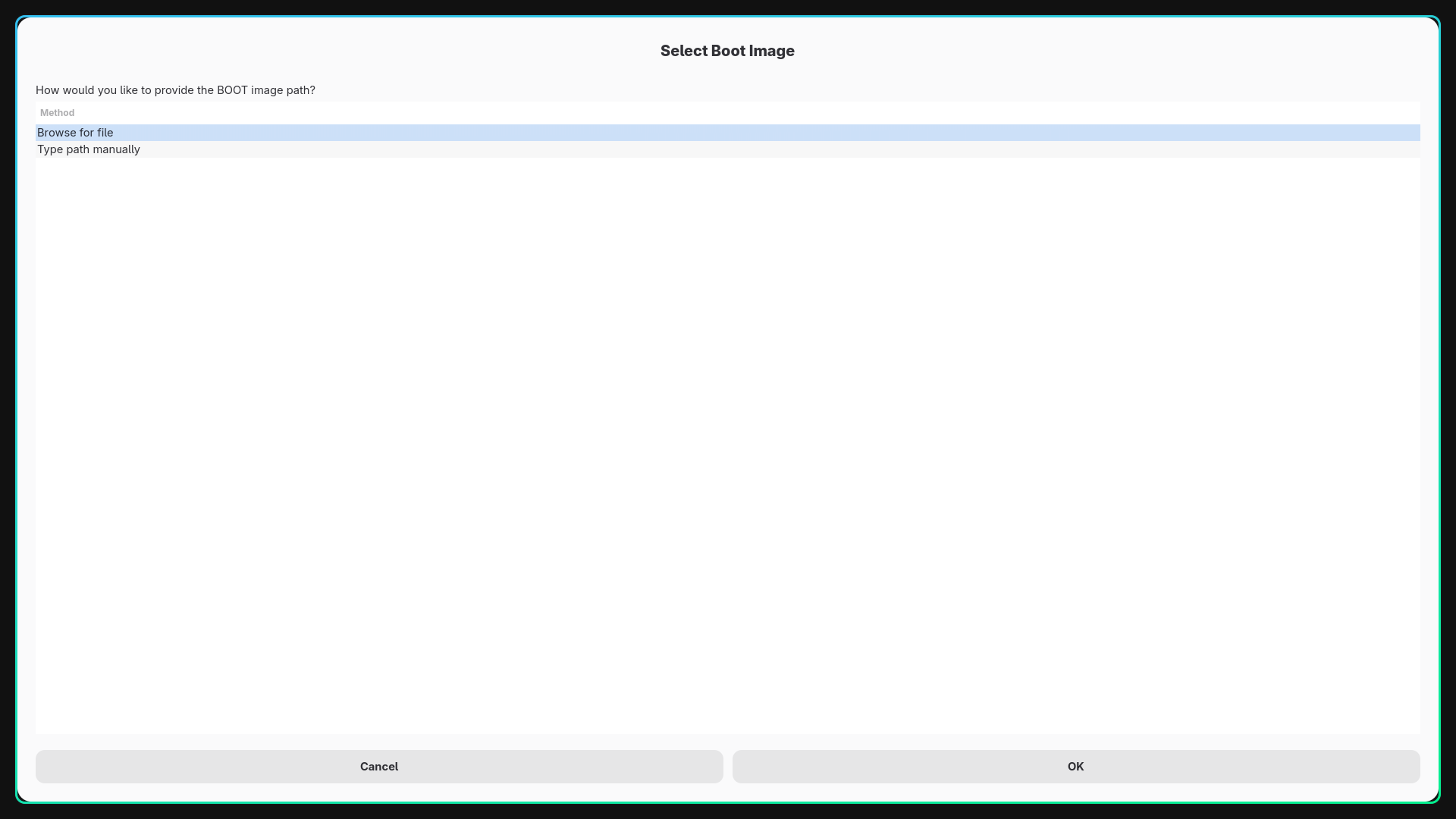
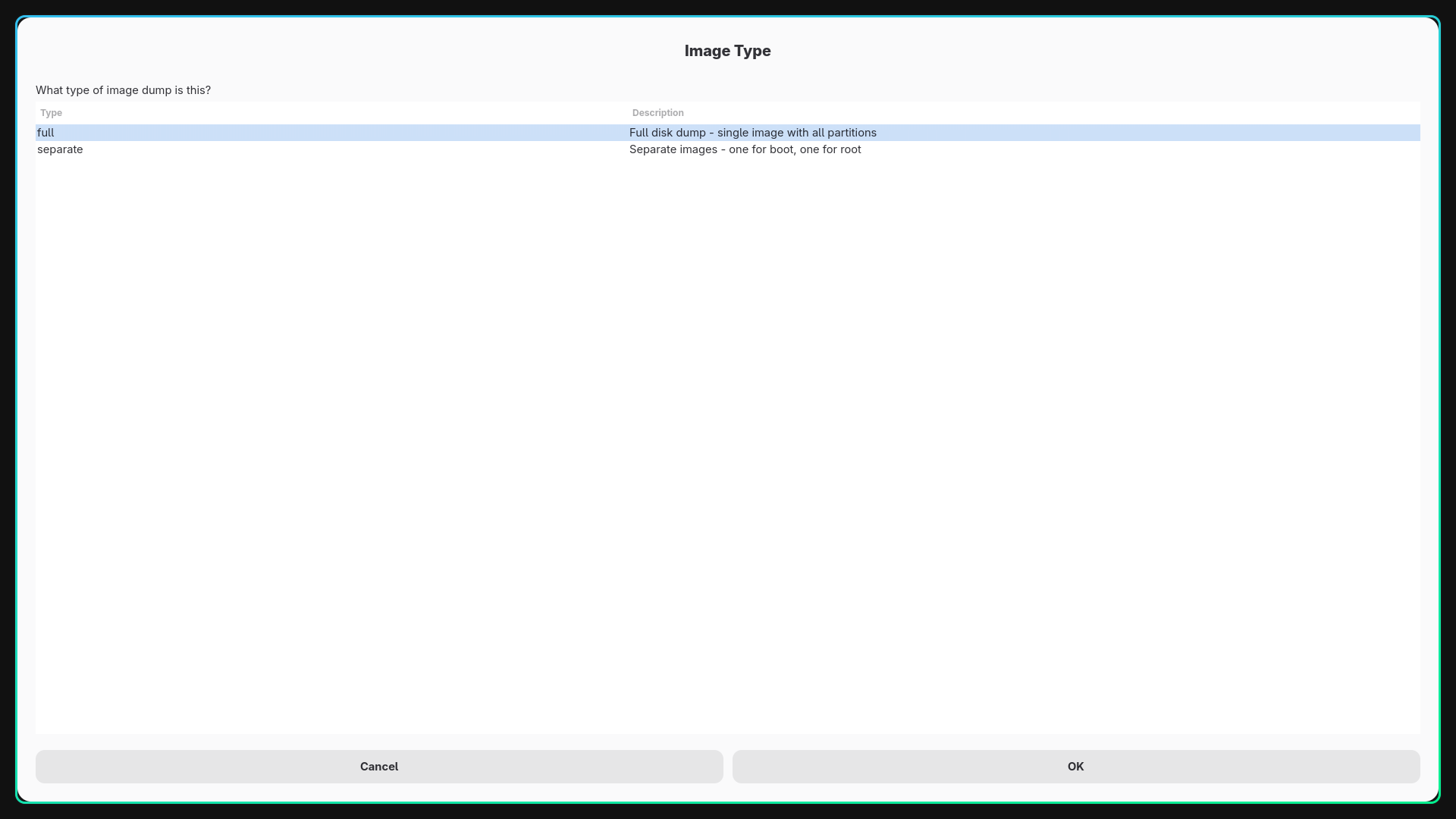
Ask whether the target is a physical disk, a full raw image, or separate boot and root image files.
Step 3
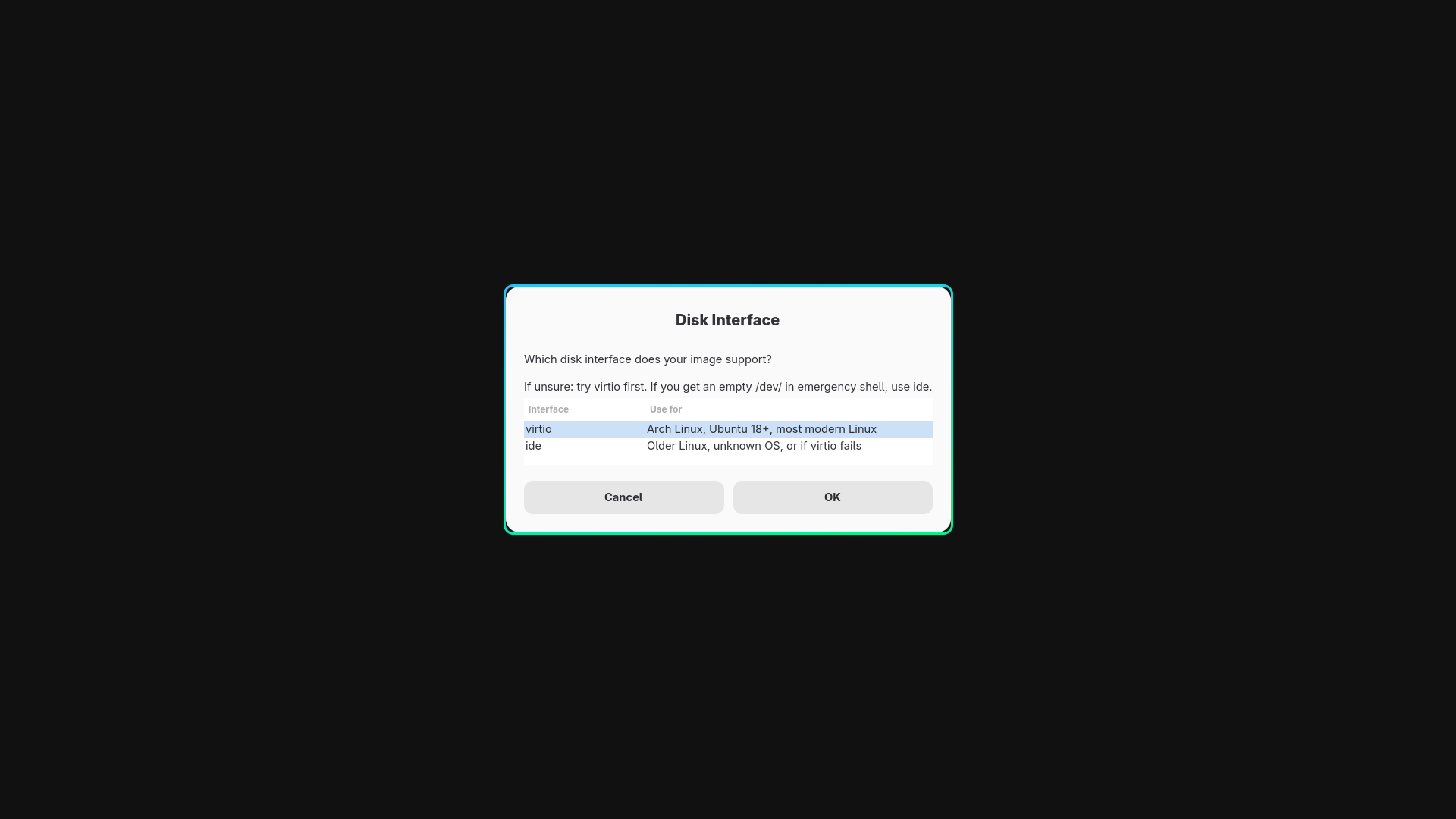
Select the disk interface: virtio for modern guests or ide for compatibility-first testing.
Step 4
Prepare OVMF runtime variables, start virtiofsd, show rescue hints, then launch QEMU with a cleaner desktop path.
Features

What It Actually Improves

Physical Disk Flow

The launcher detects partitions, lets you confirm boot and root targets, and then boots the selected full disk in QEMU.

Image-Based Flow

It can handle a single full image or a boot/root pair, which is useful when your dump workflow does not produce one neat disk image.

Less Manual Setup

UEFI variable copying, helper path handling, and QEMU argument composition are pushed behind a GUI instead of repeated shell work.

Safer Reuse

The launcher now stores helper paths in a user config file instead of baking in one machine’s personal layout.

Setup

Quick Start

Package Baseline

On Arch Linux the intended starting point is QEMU, OVMF, virtiofsd, and Zenity.

sudo pacman -S qemu-desktop qemu-system-x86 edk2-ovmf virtiofsd zenity

First Launch

Make the script executable, run it, and confirm the helper paths if your install layout differs from the defaults it detects.

chmod +x run-usb-drive-on-qemu-gui.sh
./run-usb-drive-on-qemu-gui.sh

The launcher will prompt for virtiofsd, OVMF code, and OVMF vars template paths if it cannot find them automatically. It also shows find commands in those prompts to help the user locate the files without already knowing the package layout.

Config

Saved Path Model

Config File

Helper paths are saved under the user config directory so they survive restarts but remain local to the user account.

~/.config/run-usb-drive-on-qemu-gui/config

Override Variables

The repo still supports explicit environment overrides for users who want to control everything from shell wrappers or dotfiles.

RUNUSB_QEMU_SHARE_DIR
RUNUSB_QEMU_VIRTIOFSD
RUNUSB_QEMU_OVMF_CODE
RUNUSB_QEMU_OVMF_VARS_TEMPLATE
RUNUSB_QEMU_SPICE_PORT
Screenshots

Interface Walkthrough

Upload these PNG files into the same directory as this HTML file on the VPS so the gallery resolves correctly: 20260423_21h00m42s_grim.png, 20260423_21h04m22s_grim.png, and 20260423_21h04m29s_grim.png.

Stack

Technical Notes

Core Stack

  • Bash launcher logic
  • Zenity for interactive selection
  • QEMU with OVMF UEFI firmware
  • virtiofsd for host folder sharing

Design Direction

The point is not to abstract QEMU completely. The point is to compress the repeated, error-prone parts of the workflow into a launch path that is fast enough to use regularly.

Risk

Usage Warning

This tool can target real block devices. If the wrong disk is selected, the user can inspect or boot the wrong storage. The launcher is meant to reduce friction, not remove the need to verify the target carefully before launch.